
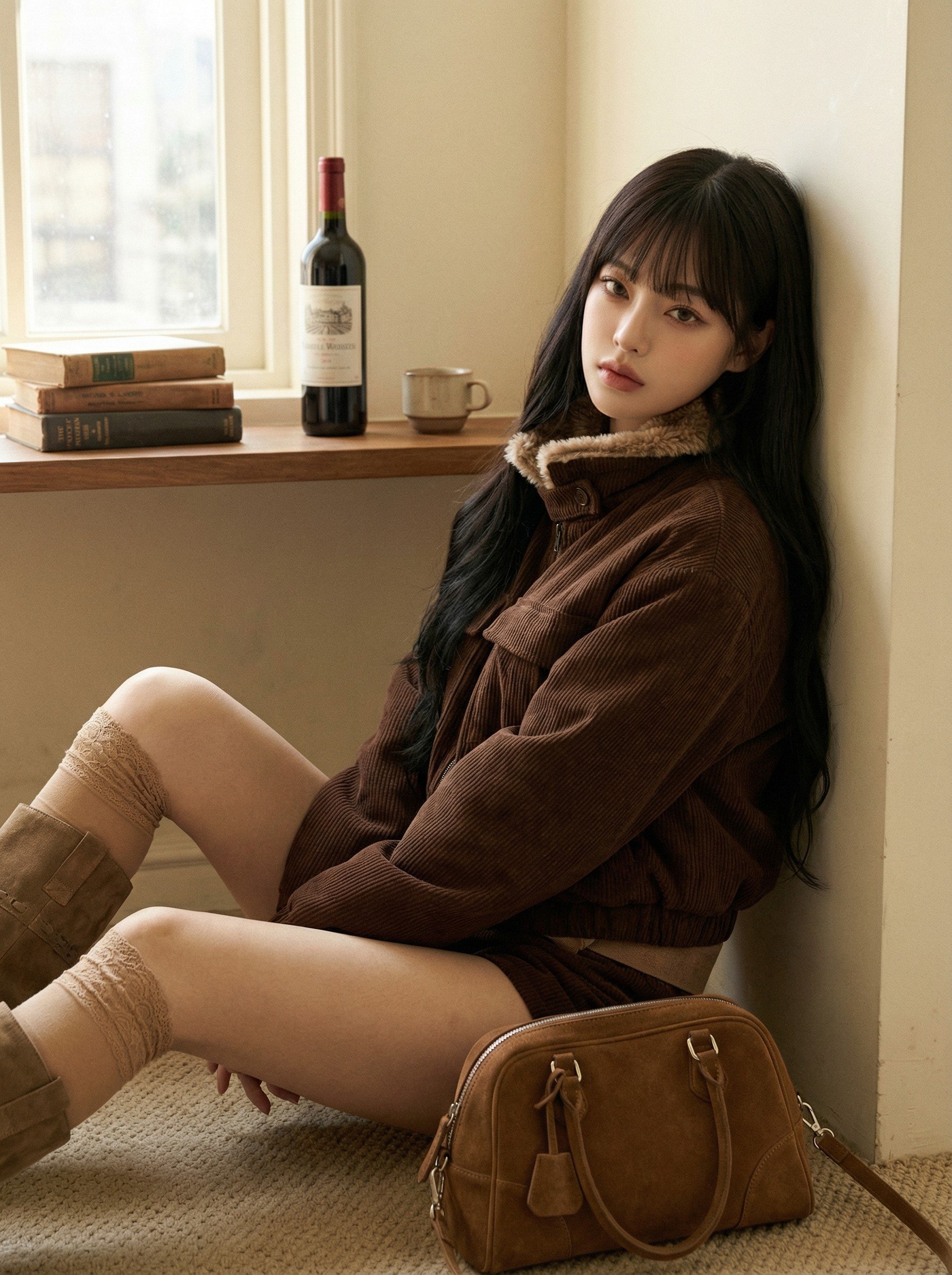
Making Videos with LaonGEN — Lookbook Shots in Motion
How to turn LaonGEN lookbook images into short videos. From Reels and Shorts to product-page motion cuts — no filming required.
How to Build an Instagram Feed Row from One Fashion Image
One finished cut, expanded into a series of scenes, can fill an Instagram feed row, round out an editorial set, or supply keyframes for a short video — all while keeping the same model and outfit. Here are the three ways to put Expand Image to work.
Expand Image Guide: Turn One Cut into a Content Series
Grow one finished cut into a set that keeps its color, lighting, and film tone. Where to pick references, what the four expansion levels change, the Lock Outfit and Lock Person toggles, and how instructions shape the scene — shown on a real example set.
How to Crop Garment Photos for Better AI Results
Odd faces and mismatched garments in your lookbook results often trace back to the input photo, not the prompt. Three crop habits that clean up garment inputs and cut down on generation errors.
How to Improve Model Proportions in AI Fashion Images
A model's proportions come from the face and garment photo, not the prompt. Here's why that happens, and how to prep a face in My Assets for the build you want.
How to Choose an AI Model for Your Fashion Brand
The same clothes can read editorial or fall flat depending on the model. How pretty faces and distinctive faces set different moods, how to find the model that fits your brand, and how to grow that face into an IP asset — Instagram feed included.
Horizon Lookbook Guide: Four Angles at Once
Pick a model, an outfit, and a backdrop color, and get front, side, and back shots in one generation. How to choose among the seven backdrop colors, and what straight pose and free pose actually change.
Image Edit Guide: Fix It Without Reshooting
How to save a good shot instead of throwing it away — swap the shoes or the bag for this season's stock, remove a photobomber, and write instructions that actually land.
Reference Lookbook Guide: From One Lookbook to Editorial Shots
Take one good lookbook shot and dress it in a scene's mood, color, and tone to create editorial concept shots. How to pick scenes, set count and ratio, when to use free pose, and what holds versus what drifts.
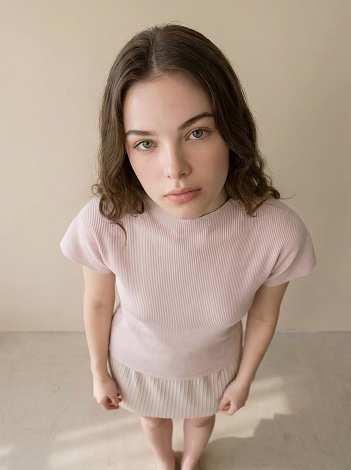
How to Turn One Fashion Image into Multiple Variations
From changing the angle to swapping bottoms and props, changing the pose, and recoloring hair — practical ways to spin one shot into many with Edit.
How to Create Reusable AI Backgrounds for Fashion Images
How to design backgrounds with the exact location, time of day, and mood you need in LaonGEN, save them to My Assets, and reuse them across lookbooks.
How to Create a Consistent AI Model for Your Brand
How to design models with the exact mood, age range, and style you need in LaonGEN, save them to My Assets, and reuse them across lookbooks.
How to Build a Fashion Product Detail Page
Plan the order, purpose, and production method for hero, on-model, detail, and trust-building images on a fashion product page.
Background Remover for Product Photos: Free Tools vs AI
From free background removers to white-background marketplace rules, fixing cutouts that go wrong, and going past the cutout into product and on-model shots. Background removal for sellers, weighed on cost and time.
The Same Item Sells or Stalls on the Cut — Match the Shot to the Slot
The cut that earns the click in a thumbnail, the cut that builds trust on a product page, and the cut that sells a mood in an ad are not the same. How to pick the right product cut by placement and pull the best one from a batch.
Make One Cutout Garment Look Like Your Own Brand
Wholesale buyers and resellers all use the same supplier photos, so their product pages look identical and only price competition is left. Turn that one cutout or flat garment into an on-model shot with your model and your mood, and the same product starts to look like your brand.
Validate a Fabric as a Garment Before You Sample It
Samples cost money and time, and you only learn whether a fabric works as a garment after you've paid for one. Here's how to preview the finished look from a single fabric image and make the call before you commit to a sample.

How to Reuse Models, Outfits, and Backgrounds in LaonGEN
How to save and reuse the outfits, models, and backgrounds you use most as a personal library. From favorites to company-shared assets and your own custom-made models and backgrounds.
How to Turn a Fabric Swatch into Garment Visuals
Generate garment visualizations from a single fabric image with AI. From reviewing fabric proposals before bulk ordering to fast design visualization — here's the full walkthrough from prep to generation.
How to Create AI Product Shots for Fashion E-commerce
Create flat-lay, ghost, detail, hanger, and styled product images from one input, then review each result for commercial use.
How to Create a Group AI Lookbook
Make a multi-person lookbook from two or more finished lookbook images. From couple looks to brand campaigns — here's the full walkthrough from prep to generation.
How to Create an AI Lookbook from One Outfit Photo
Prepare an outfit image, choose a model and background, generate options, and review the result before using it in your catalog or campaign.
Virtual Try-On vs AI Lookbook — Which Tool Do You Need?
Virtual try-on lets shoppers see clothes on themselves. AI lookbooks let sellers create on-model shots without a photoshoot. We compare the two so you pick the right tool.
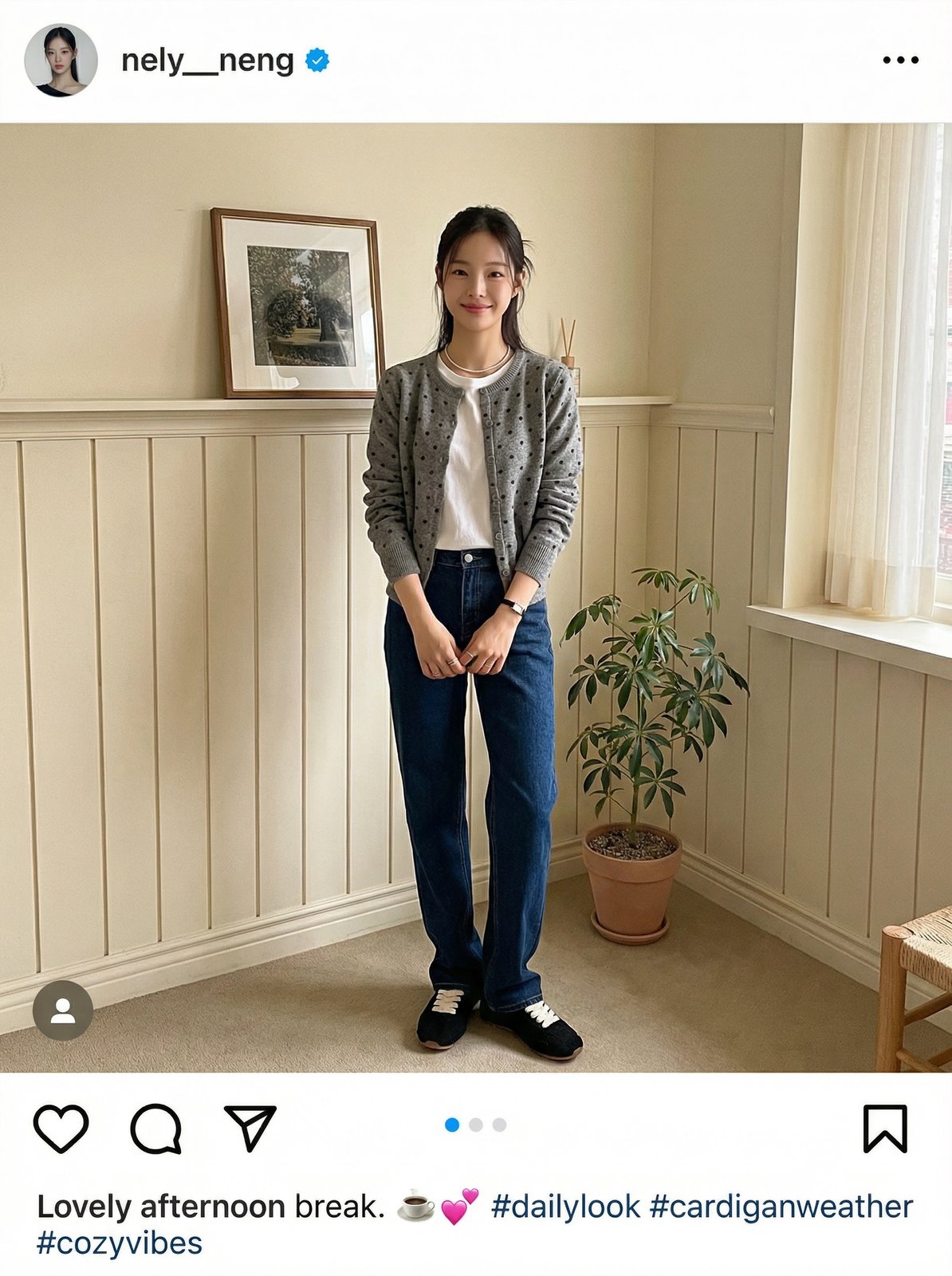
How to Build an Instagram Fashion Feed with AI
Use an AI clothing model generator to combine multiple items into styled outfit photos. Two coordination sets, eight cafe-mood results — no product photography with models needed.
Combine Separate Clothing Photos into One AI Look
No full-outfit photo needed. Upload top, bottom, and shoes separately and this AI clothing model generator combines them into one styled lookbook. Three input methods for virtual clothing model photography compared.
How to Make an AI Lookbook — Turn Product Photos into On-Model Shots
Learn how to use an AI fashion model generator to turn flat product photos into professional lookbooks. Step-by-step tutorial covering signup, virtual clothing model selection, background settings, and download.
How to Turn Product Photos Into On-Model Shots — 2026 Guide
Five methods to convert flat lays, hanger shots, and mannequin photos into on-model lookbook images — from DIY composites to AI generation.
Lookbook Photoshoot vs AI Generation: When to Choose What
Five decision rules to help fashion brands choose between traditional photoshoots and AI lookbook generation for product imagery.